Current Cyberattacks in October 2026: NetScaler Zero-Days, Fake AI Brands and Conference Phishing
A source-led October 2026 briefing on exploited Citrix NetScaler VPN gateways, ChatGPT- and Claude-themed phishing, Star Blizzard lures and what a VPN can and cannot do.
Published by: Ahmet Tepe
Source-led article. Provider claims and independent records are kept distinct; no laboratory result is implied unless stated. How this site works →
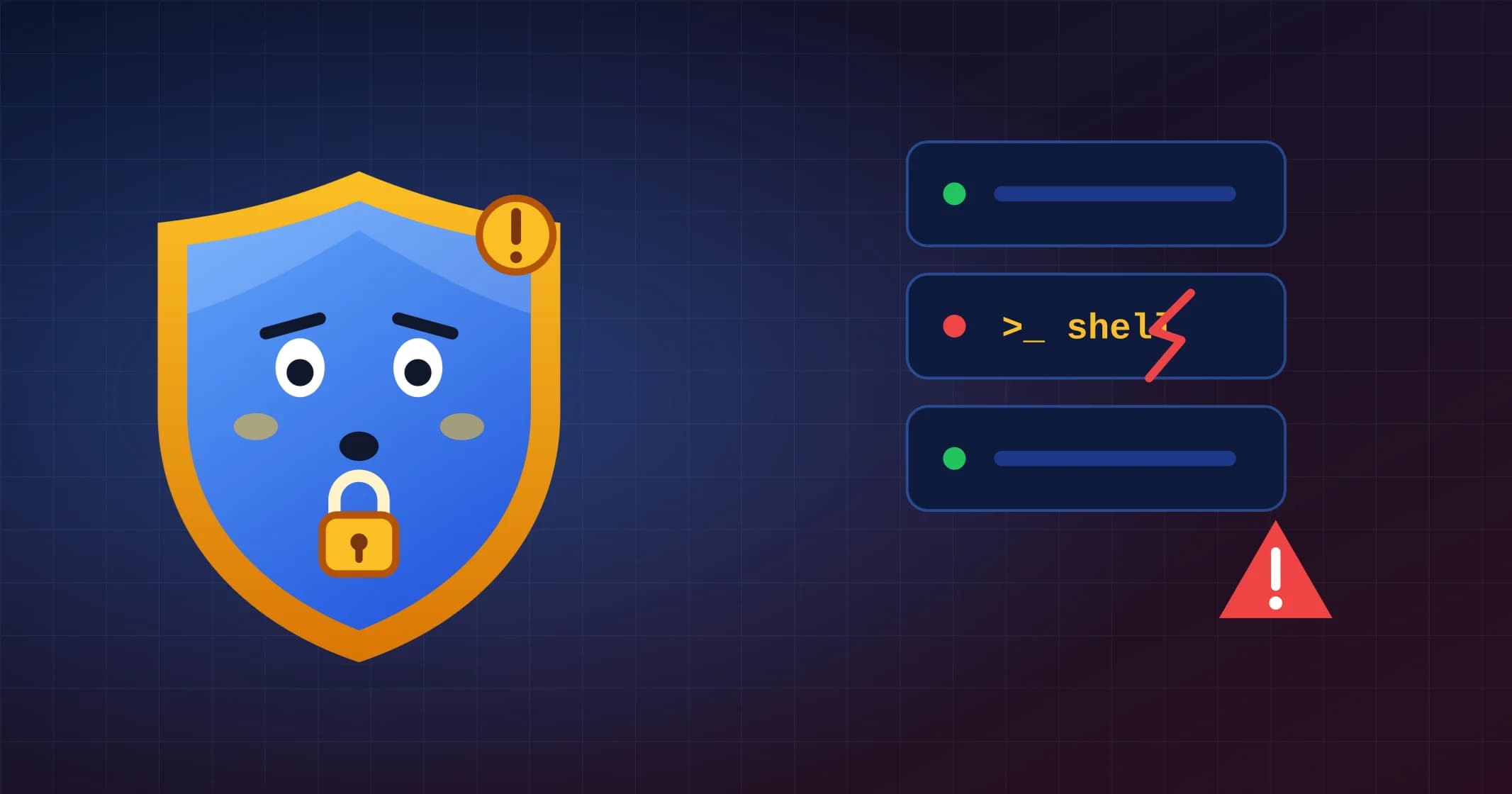
The start of October 2026 brings an uncomfortable reminder for anyone who thinks of a VPN as automatically "the secure part" of a network: the most urgent incident of the past two weeks is an attack on remote-access gateways themselves. At the same time, phishing campaigns keep borrowing the names of popular AI products, and a state-linked group has scaled up conference-invitation lures.
This briefing covers three developments documented by CISA, Microsoft and security researchers between late September and October 4, 2026. It focuses on what individuals and small teams can recognise and do. It is not a complete list of incidents, and naming a product or brand below does not mean every user of it is affected.
Quick answer: what changed this month?
- Remote-access gateways are a target, not just a shield. Two critical Citrix NetScaler vulnerabilities were exploited before a fix existed, and installing the update does not remove a backdoor that attackers already placed.
- AI brands are now standard phishing bait. Fake ChatGPT Plus billing notices, fake Claude sign-in pages and counterfeit DeepSeek installers all target people who use, or want to try, AI tools.
- Professional invitations are a lure again. A Russian state actor used fake conference and payment notices, sent from hijacked legitimate websites, to deliver malware with very little user interaction.
Attack 1: Citrix NetScaler zero-days hit corporate VPN gateways
On September 27, 2026, Citrix disclosed a set of NetScaler ADC and NetScaler Gateway vulnerabilities, including two critical remote code execution flaws: CVE-2026-88771 and CVE-2026-88772. On the same day, CISA warned that both were being actively exploited and added them to its Known Exploited Vulnerabilities catalog. On October 4, CISA added a further NetScaler flaw, CVE-2026-88779, to the same catalog.
Public reporting describes CVE-2026-88771 as an input-validation flaw that lets an unauthenticated attacker run commands, including on appliances in a default configuration. CVE-2026-88772 is a memory flaw that affects appliances with DTLS enabled, which is the default for NetScaler VPN virtual servers. Researchers reported exploitation from at least early September, weeks before the public advisory.
Why patching alone is not enough
Attackers used the flaws to place web shells: small scripts that accept commands over normal web requests. An update closes the hole, but it is not designed to find and remove a web shell that is already present. If an appliance was exposed before it was updated, treat it as potentially compromised until it has been checked.
For organisations that run NetScaler, the practical order is:
- Apply the fixed builds listed in Citrix's security bulletin immediately, and follow CISA's alert for the current guidance.
- Assume exposure if the appliance was internet-facing before the update. Look for unexpected files and accounts, and follow vendor and incident-response guidance for forensic checks.
- End all active administrative, Gateway and VPN sessions after updating, so a session stolen earlier cannot be reused.
- Rotate credentials that the appliance held or saw: administrator passwords, SSH keys, LDAP bind accounts, RADIUS secrets and, where advised, TLS certificates.
- Where compromise is likely, rebuild on a clean, updated instance rather than trusting the old one.
What this means if you are an employee
You do not manage the gateway, but you can still help. If your employer asks you to sign in again, re-enrol MFA or reset a password this week, it may be part of a genuine clean-up. Verify the request through your company's known IT portal or phone number rather than through a link in an unexpected message, because criminals also exploit high-profile incidents to send fake "urgent reset" emails.
Attack 2: phishing that impersonates ChatGPT, Claude, Copilot and DeepSeek
In a September 10 report, Microsoft described a growing set of AI-themed attacks that impersonate ChatGPT, Microsoft Copilot, DeepSeek and Claude. The examples are worth knowing because each one uses a different lure:
- Billing update: a ChatGPT-themed campaign sent up to 100,000 emails in a single day, asking recipients to "update" their ChatGPT Plus payment details. The goal was personal and credit card data.
- Fake sign-in: a Claude-themed campaign used adversary-in-the-middle pages to capture credentials and session tokens, which can let an attacker stay signed in even without the password.
- Fake installer: counterfeit DeepSeek installers were distributed through GitHub.
- Fake plugin: malicious advertising promoted a fake AI plugin for Windows that installed the Vidar information stealer.
How to protect yourself
- Manage AI subscriptions only by opening the service yourself, from a bookmark or the official app, never from a billing email link.
- Check payment status inside your account. A real billing problem is visible there.
- Use a passkey or an authenticator app for AI accounts, and review active sessions if you entered your password on a page you are not sure about.
- Install AI apps only from the provider's own website or an official app store. A GitHub repository or a search ad is not proof that a download is official.
- Watch your card statement after any suspicious payment page, and contact your bank through its official number if you entered card details.
If you pay for AI tools, our AI tools privacy guide explains which parts of your data the provider still sees when you use a VPN.
Attack 3: Star Blizzard sends conference invitations from hijacked websites
On September 29, Microsoft reported that Star Blizzard, a Russian state actor, targeted more than 100 organisations between January and August 2026, mainly in the United States and United Kingdom. Targets included government officials, NGOs, think tanks, financial institutions and organisations supporting Ukraine.
The lures were believable professional messages: invitations to closed-door discussions and conferences, a "payment advice note", and tax or fine notices aimed at Ukrainian recipients. Since March 2026, the group has sent these emails from accounts created on compromised cPanel and WordPress websites instead of free email services, which makes the sender look more legitimate.
Microsoft calls the new delivery method "RedFlick". A password-protected archive contains a shortcut file that starts a multi-stage chain and installs a backdoor through a scheduled task. It needs less interaction from the victim than the earlier "ClickFix" tricks, where users were persuaded to paste commands themselves.
Warning signs
- An invitation or invoice arrives with a password-protected archive and the password in the same email.
- Opening the archive shows a shortcut (
.lnk) file rather than a normal document. - The sender domain is a small, unrelated website rather than the organiser's own domain.
- The message pushes you to open the file before an event, deadline or payment date.
When an invitation matters, confirm it with the organiser through contact details you find yourself. Event organisers rarely need you to open a password-protected archive.
Where a VPN helps, and where it does not
The NetScaler incident is a useful correction to a common assumption. A corporate VPN gateway is internet-facing infrastructure, and like any server it needs patching, monitoring and incident response. A consumer VPN app is a different product, but the same lesson applies: a VPN protects the connection, not the decisions made on it.
A VPN can encrypt traffic between your device and the VPN server and hide your browsing from a local Wi-Fi operator or internet provider. It does not:
- recognise a fake ChatGPT billing email or a cloned Claude sign-in page;
- make a counterfeit installer or a malicious archive safe;
- remove a backdoor from a gateway, laptop or server that is already compromised; or
- protect an account whose session token has already been stolen.
For the boundary between network privacy and account security, see our VPN privacy and security guide. Our AI phishing and deepfake guide covers more examples of AI-themed fraud. If you want to check an unexpected link or email before you act on it, our free link safety checker and email header analyzer help, but they do not replace verifying through a channel you already trust.
Practical checklist for October
- Patch internet-facing gateways first. VPN, remote-access and mail gateways deserve the fastest patch cycle in any organisation.
- Treat "patched" and "clean" as different states. After a zero-day, check for persistence and rotate credentials.
- Never manage subscriptions from email links. Open the service directly to check billing.
- Prefer passkeys or authenticator apps for email, AI and cloud accounts, and review active sessions regularly.
- Download software only from official sources, and be suspicious of password-protected archives in unsolicited messages.
- Verify invitations and payment notices through contact details you find yourself.
The September 2026 briefing covers passkey-themed helpdesk scams, AI-assisted invoice fraud and fake software downloads, which are still active patterns.
Frequently asked questions
Does the NetScaler vulnerability affect consumer VPN apps like NordVPN or Surfshark?
No. CVE-2026-88771 and CVE-2026-88772 affect Citrix NetScaler ADC and Gateway appliances that companies run for remote access. They are not consumer VPN apps. If your employer uses NetScaler, follow your IT team's instructions and verify any reset request through a known channel.
Is an email about my ChatGPT Plus payment always a scam?
Not always, but you should never act on it through the email. Open ChatGPT yourself, check the billing page in your account and update payment details only there. If the email was fake, report it as phishing.
Can a VPN stop AI-themed phishing?
No. Some VPN apps include a blocklist that can stop known malicious domains, but new phishing pages appear faster than lists are updated. Your best protection is to check requests independently, use phishing-resistant sign-in and install software only from official sources.
Primary references and verification
These sources support the article's core definitions, platform rules or technical claims. Service terms and product behavior can change; links were checked on October 5, 2026.
- CISA: Critical Zero-Day Vulnerabilities Exploited in Citrix NetScaler ADC, Gateway
September 2026 alert on actively exploited CVE-2026-88771 and CVE-2026-88772 in NetScaler remote-access appliances.
- CISA: CISA Adds One Known Exploited Vulnerability to Catalog
October 4, 2026 KEV addition of NetScaler CVE-2026-88779.
- Microsoft Security: Detect and disrupt AI-themed attacks with Microsoft Defender
Phishing and malware campaigns impersonating ChatGPT, Copilot, DeepSeek and Claude.
- Microsoft Security: Star Blizzard refines phishing and malware delivery with the RedFlick technique
State-actor phishing using conference and payment lures sent from compromised websites.
- CISA: Require Multifactor Authentication
Account-security guidance that complements, but is not replaced by, a VPN.
- CISA: Recognize and Report Phishing
Primary guidance for recognizing social-engineering attacks and suspicious links.
Read sources and limitations. If a source has changed or a claim needs correction, use the contact page.
Ready to make a decision?
Explore source-based provider profiles and comparisons organized by real-world use case.
Related Posts
Current Cyberattacks in September 2026: Passkey Phishing, AI Fraud and Fake Downloads
A source-led September 2026 briefing on passkey phishing, AI-assisted invoice fraud, fake installers, fake IT support and VPN limits.
Mullvad Is Shutting Down Its Public Encrypted DNS: What Changes Before November 2026?
Mullvad will retire its public encrypted DNS service and sponsor Quad9 instead. Here is who needs to migrate, what browser and Apple users should do, and what does not change.

VPN for Privacy and Security: How to Protect Your Digital Footprint
Protect yourself from ISP surveillance, data collection, and online tracking. Discover VPN's privacy and security benefits.