What Is a WebRTC Leak? VPN Fix Guide 2026
WebRTC can expose your real IP even with VPN on. How to test WebRTC leaks and fix them in browser and VPN settings.
Published by: Ahmet Tepe
Source-led article. Provider claims and independent records are kept distinct; no laboratory result is implied unless stated. How this site works →
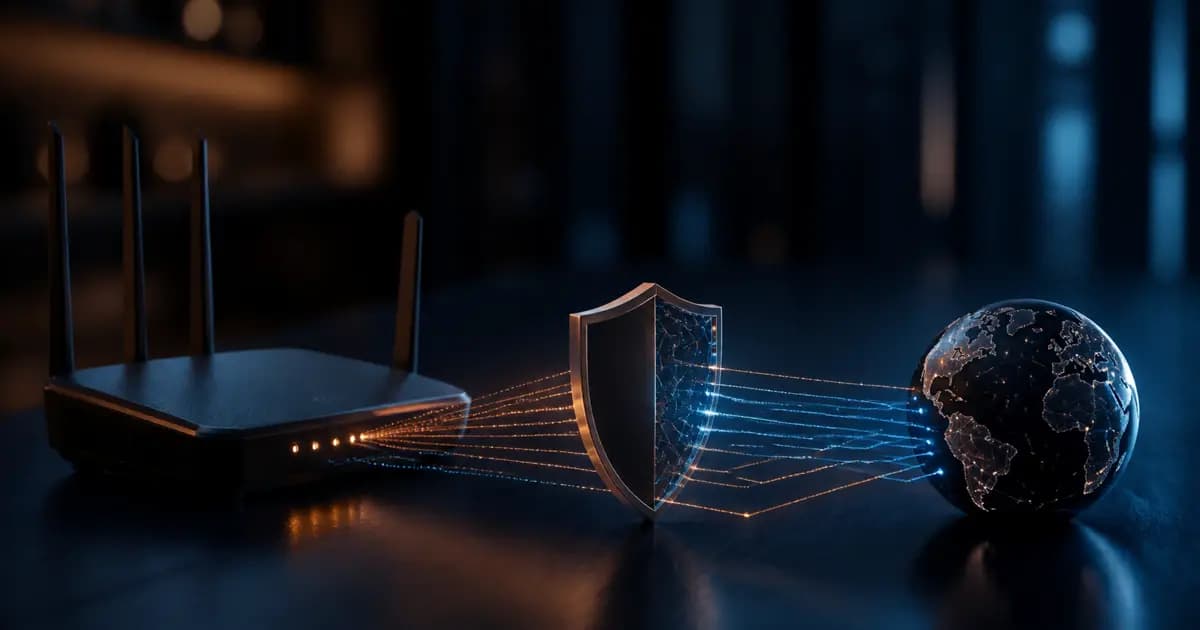
VPN connected, IP check shows another country — but a WebRTC test may still reveal your home IP. That is a WebRTC leak: the browser's real-time API can bypass the VPN tunnel and expose local or public addresses. IP masking alone is not enough; you need the browser layer too.
Why WebRTC Leaks IP
WebRTC lets browsers run video calls and peer connections. To find the best network path, it queries STUN servers — sometimes revealing:
- Your local LAN IP (e.g.
192.168.x.x) - Your ISP-assigned public IP
even while VPN is active.
DNS leaks are a separate vector; test both. For a simple home check see DNS/WebRTC home test.
How to Test
- Connect VPN and note server country.
- Open browserleaks.com/webrtc or ipleak.net.
- If Turkish ISP or home IP appears under Public/Local IP, you have a leak.
Test Chrome and Firefox; results can differ.
Fixes
Browser settings
Firefox: about:config → media.peerconnection.enabled → false.
Chrome / Edge: No built-in off switch — extension or VPN client protection needed.
Brave: Settings → Shields → fingerprint blocking + WebRTC IP handling → "Disable non-proxied UDP".
VPN client
Enable "WebRTC leak protection" in the app. Providers like Mullvad, Proton VPN and NordVPN offer this. See privacy VPN picks for consistent protection.
Extensions (use carefully)
uBlock Origin or WebRTC Leak Prevent can help but may break video calls. Install only from trusted sources.
Does VPN Block WebRTC Completely?
No. VPN encrypts IP traffic; WebRTC runs inside the browser. Full coverage needs:
- VPN + browser/WebRTC settings
- Kill switch where appropriate
- Regular leak tests
Browser fingerprinting is another tracking vector VPN does not fix.
Summary
WebRTC leak is easy to overlook. Test, configure browser and VPN together. The sources and limitations page explains why a reader-run leak test is not a provider-wide verdict.
Ready to make a decision?
Explore source-based provider profiles and comparisons organized by real-world use case.
Related Posts
Current Cyberattacks in October 2026: NetScaler Zero-Days, Fake AI Brands and Conference Phishing
A source-led October 2026 briefing on exploited Citrix NetScaler VPN gateways, ChatGPT- and Claude-themed phishing, Star Blizzard lures and what a VPN can and cannot do.
Current Cyberattacks in September 2026: Passkey Phishing, AI Fraud and Fake Downloads
A source-led September 2026 briefing on passkey phishing, AI-assisted invoice fraud, fake installers, fake IT support and VPN limits.
Mullvad Is Shutting Down Its Public Encrypted DNS: What Changes Before November 2026?
Mullvad will retire its public encrypted DNS service and sponsor Quad9 instead. Here is who needs to migrate, what browser and Apple users should do, and what does not change.